Tomwhat - Web Easy
Introduction
Tomwhat is an easy web challenge from
HeroCTFv7.
The goal of this challenge is to get the flag only displayed on an admin web page.
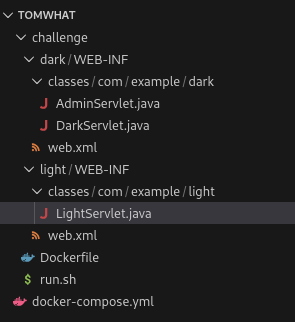
This is a whitebox challenge, that means that all the source code of this challenge is public, so we can easily understand how it works.
The whole website is made with Apache Tomcat in Java.
Path - TL;DR
- Add a session with the
usernamevalue atdarth_sidious. - Go on the admin page.
Enumeration
Flag location
As we can see in the source code, the flag is returned to the administrator on the /dark/admin route.
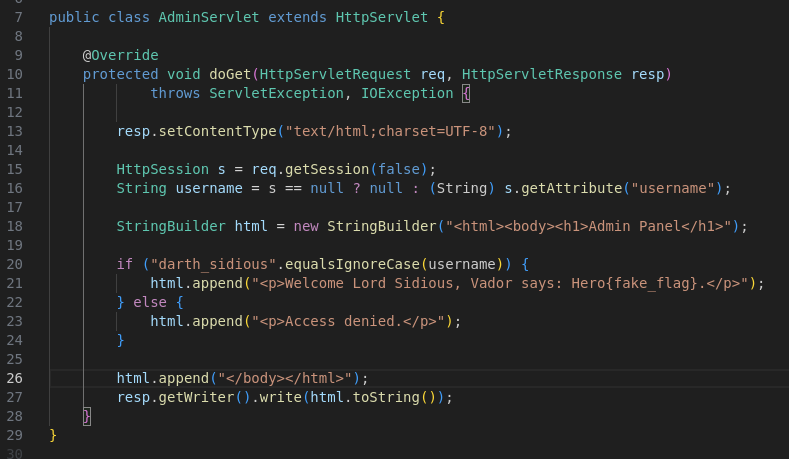
If our session username is equals to darth_sidious, we are able to access to the flag.
LightServlet and username set
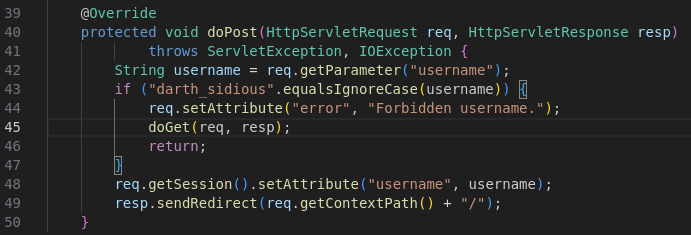
Here, you can set any username on your session. But if you want to choose darth_sidious, the username is not set.
Default installation page
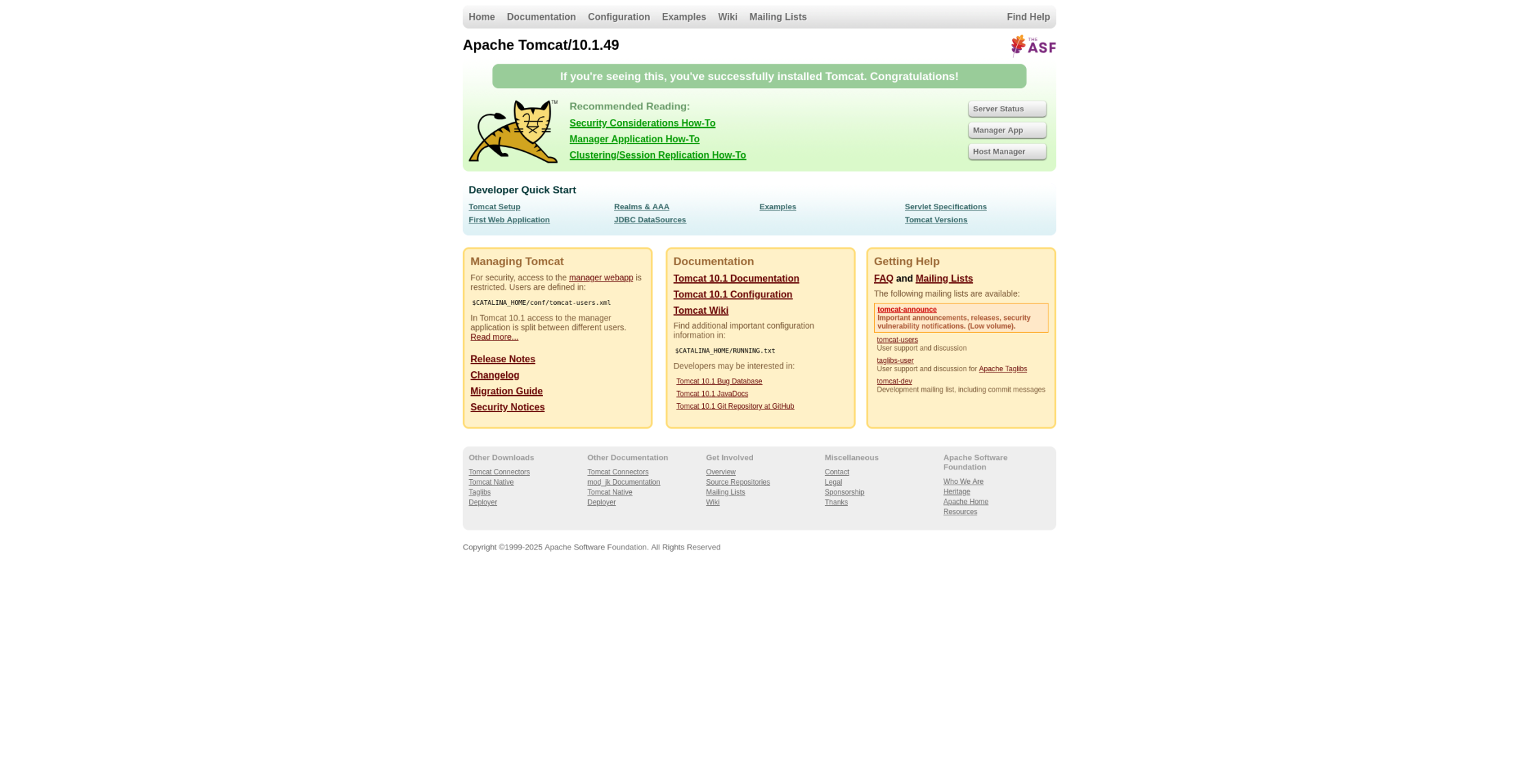
The default tomcat installation page is accessible from anyone without any authentication.
Exploitation
Replace our username
Because we have no discrepancies between username conditions check, these conditions can’t be bypassed.
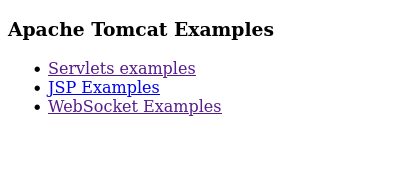
So, we need to go on the default installation page, because we can access some example tools. So let’s go check them:
-
Go to the
examplepage:
-
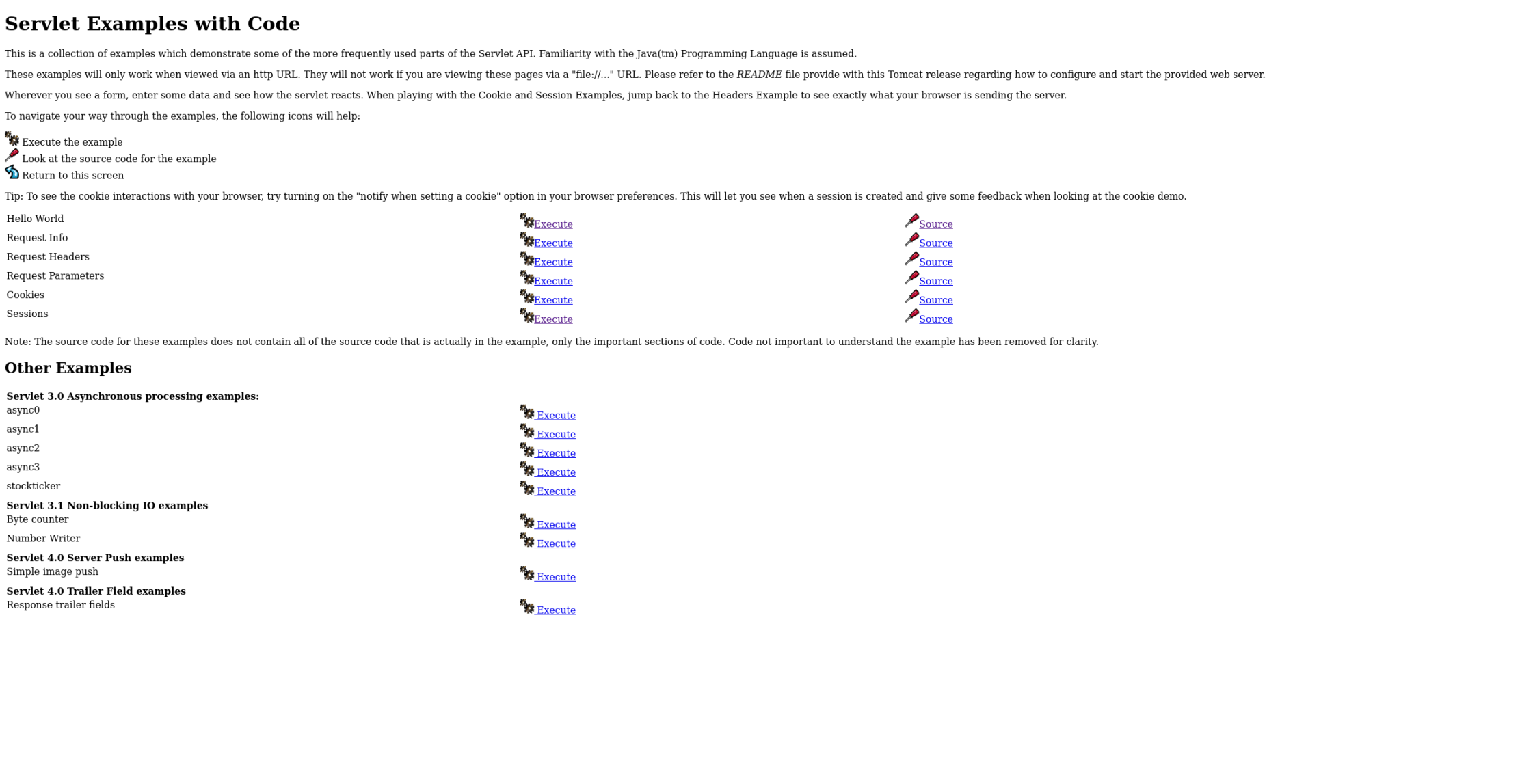
Then, choose
Servlet example:
-
Finally, we can check the
sessionservlet source code:
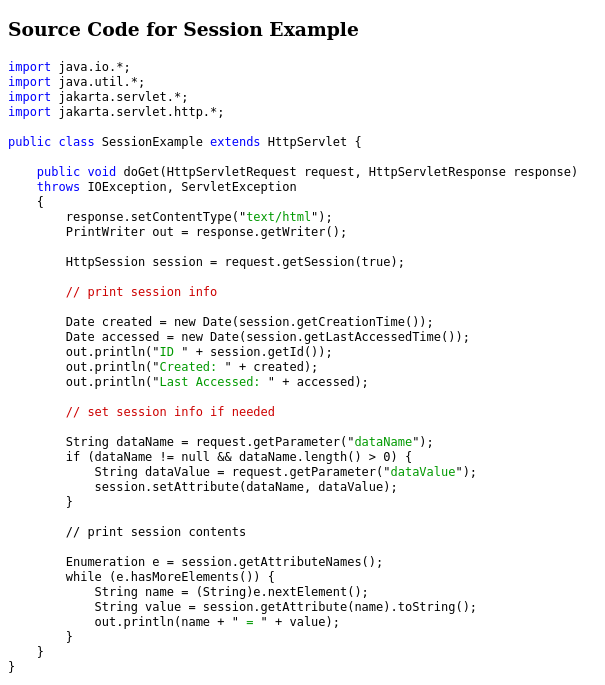
You can see that the code suggest that the servlet takes from the user a name for a session parameter, and a value associated.
-
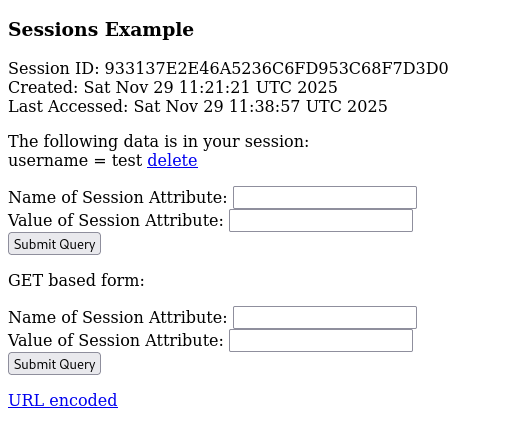
We can now execute the
sessionsexample:
-
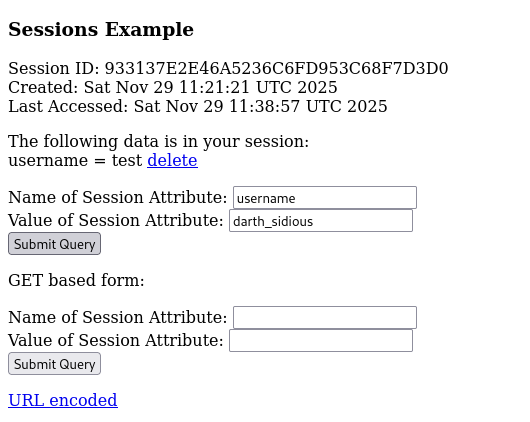
Just need to set
usernameas parameter name, anddarth_sidiousparameter value:
-
Verify the data, and go on
/dark/adminpage:

Hero{a2ae73558d29c6d438353e2680a90692}
Remediation
Disable or shutdown access of the default page of tomcat.